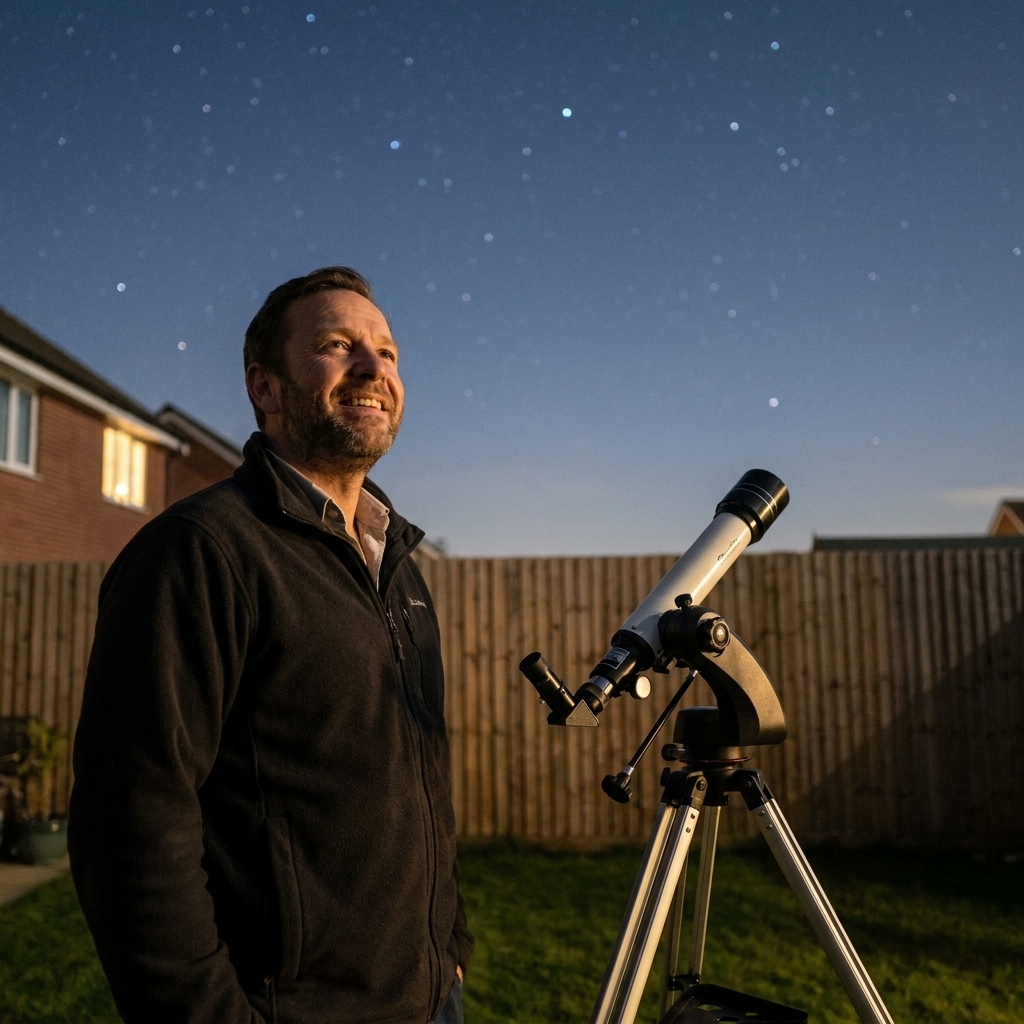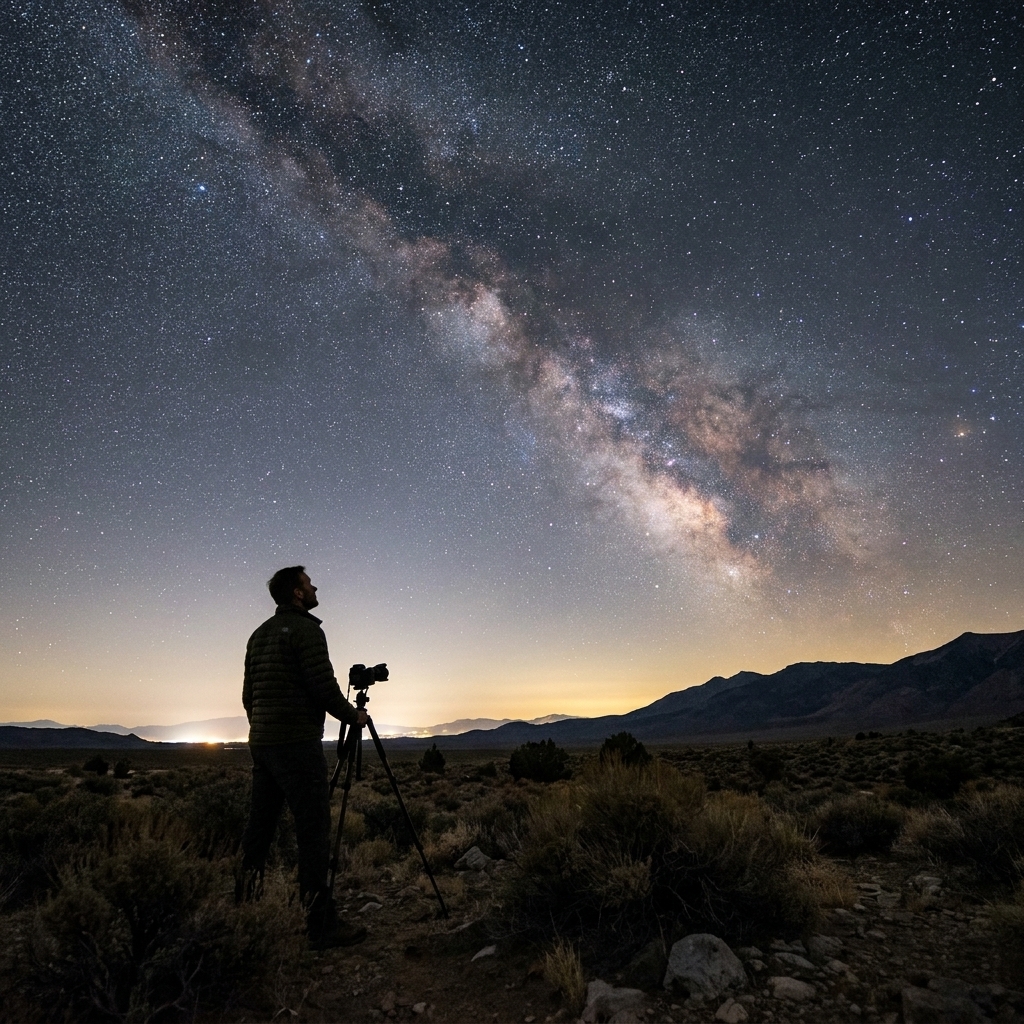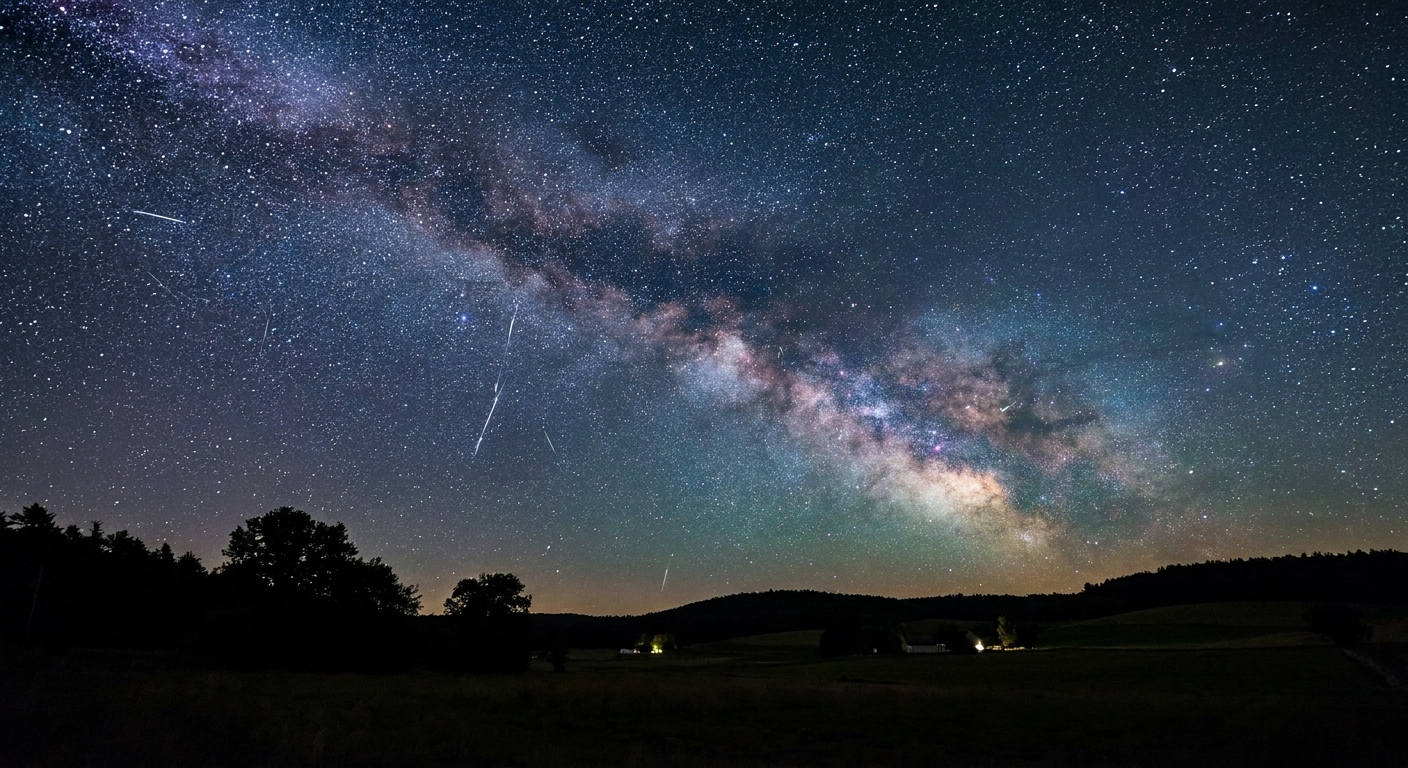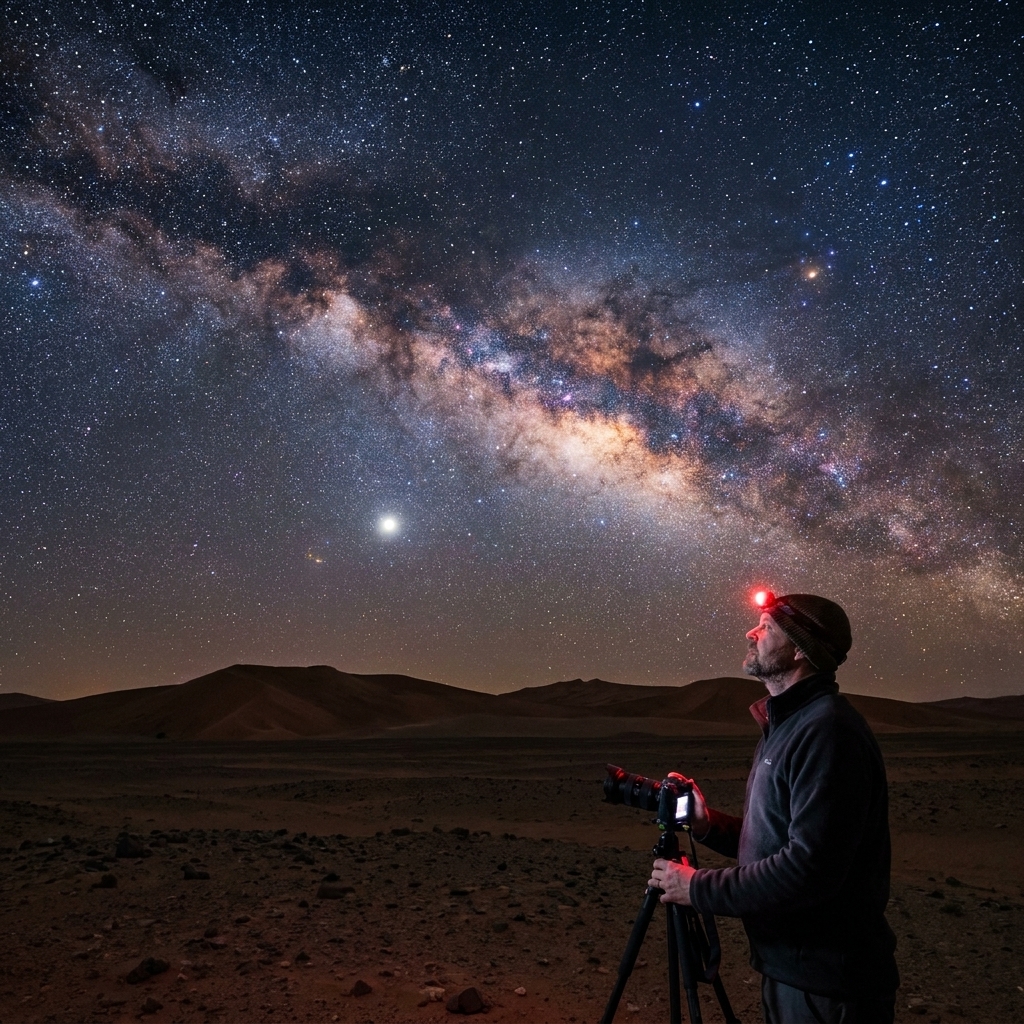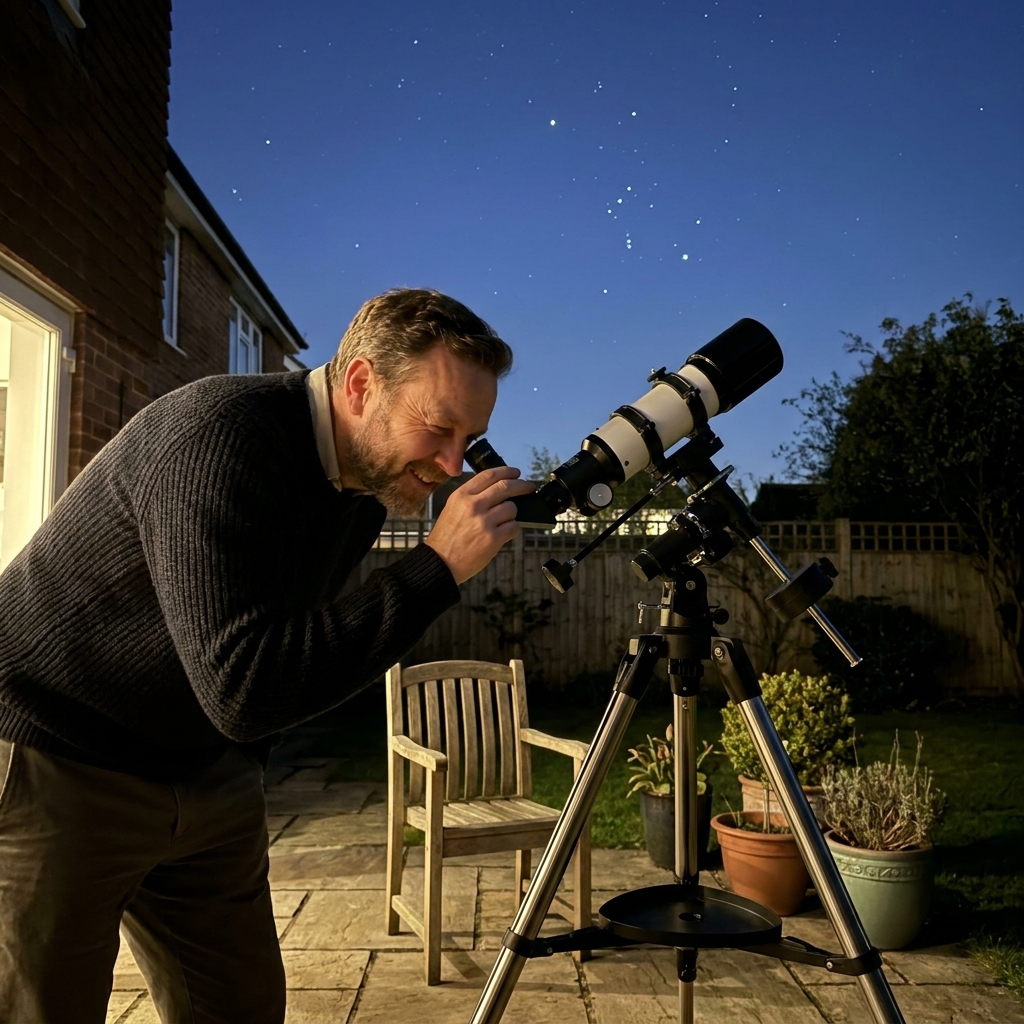
If you have ever stepped outside, looked up, and thought, “Okay, I know that one is the Moon… and the rest is just sparkly chaos,” you are in excellent company. The night sky is a map, but it is a map that moves, spins, and refuses to hold still for your convenience.
That is where stargazing apps shine. With your phone’s compass, GPS, and motion sensors, these apps can tell you what you are looking at in real time, help you plan the best nights to observe, and even flag bright passes of the International Space Station.
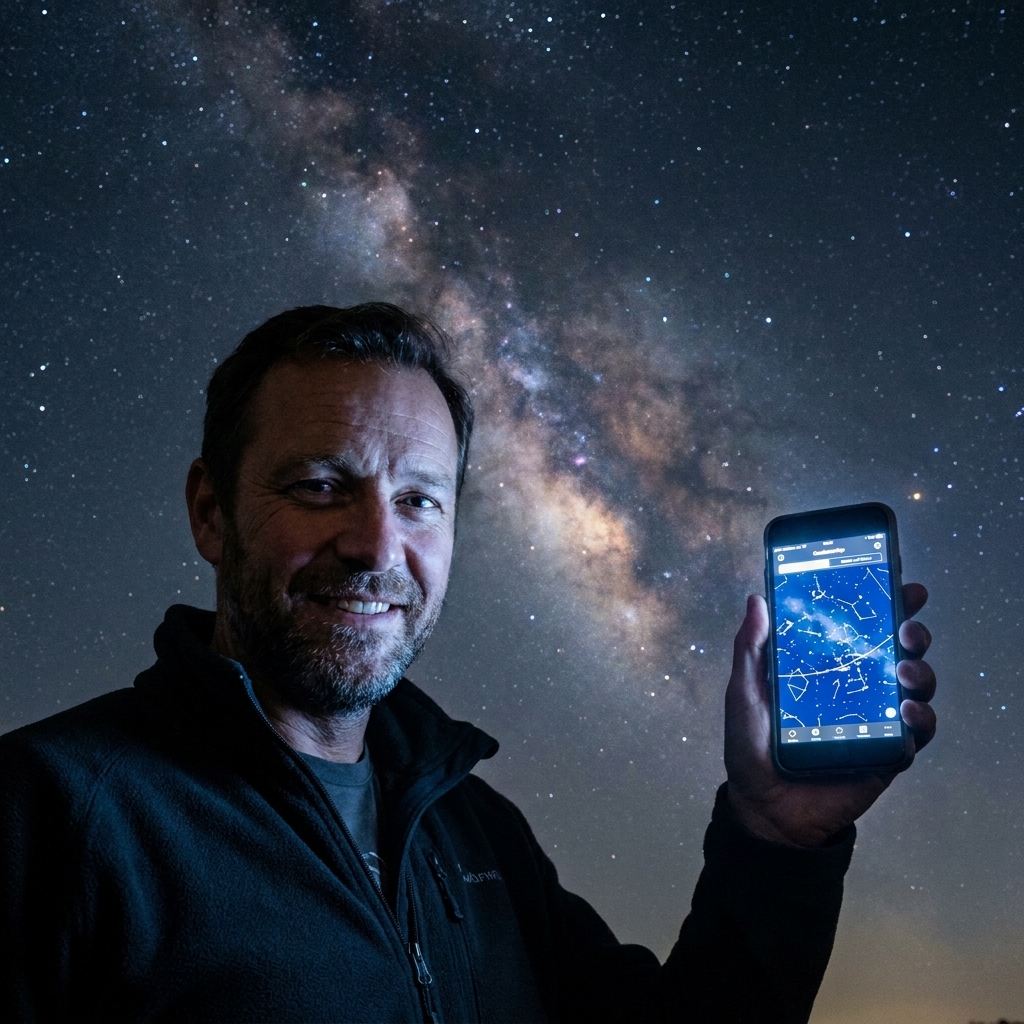
Below are ten of the best free or free-tier stargazing apps to navigate the night sky in 2024. I also call out what you can do without paying, and where you may run into a paywall. App pricing changes, so do a quick store check before you commit.
What makes an app useful?
Most astronomy apps do some combination of three jobs:
- Identify: point your phone at the sky and label stars, planets, and constellations.
- Predict: show what will be up tonight, when Jupiter rises, and whether it will be visible from your location (altitude, direction, and above your local horizon).
- Teach: add context so “that bright dot” becomes “Venus, near the Pleiades, low in the west after sunset.”
Accuracy usually comes down to good calibration and good data. Before you judge any app, take 20 seconds to calibrate your compass, and if an app offers a manual alignment step, do it once. Your future self, standing in the cold trying to find Saturn, will be grateful.
One more reality check: AR overlays are fun, but they are not magic. Magnetometer interference, metal nearby, and even some phone cases can nudge labels off target. If an app lets you manually align the sky to a bright star or planet, do that often beats “trust the compass” AR.
Top 10 free stargazing apps (2024)
1) Stellarium Mobile
Best for: a clean, realistic sky map that feels like a planetarium in your pocket.
Use it when: you want a trustworthy “what is that?” view with time controls to plan ahead.
Stellarium is a classic in the astronomy world, and it remains one of the most respected tools for identifying what you are seeing.
- Free status (2024): varies by platform and region. In many app stores, Stellarium Mobile is paid, and Stellarium Mobile Plus adds advanced features. If you see a legitimate free version in your store, it is worth grabbing, but do not assume it is free everywhere.
- Highlights: realistic sky rendering, solid object database, time controls for planning.
2) Sky Map (Google)
Best for: simple, fast sky identification with minimal fuss (Android).
Use it when: you want results in under 60 seconds without learning a new interface.
Sky Map is the app I recommend to people who want instant labels on bright stars, constellations, and planets. It is not flashy, but it is wonderfully functional.
- Free status (2024): free on Android.
- Highlights: lightweight, easy to use, great starter app.
- Good to know: feature set is basic compared with newer premium apps.
3) Star Chart (free tier)
Best for: a straightforward planetarium app that is easy to explore on both iOS and Android.
Use it when: you want to plan what will be up tonight and then hop object-to-object without getting lost.
Star Chart does the core job well: show you what is up there, label it clearly, and let you scrub time forward and backward.
- Free status (2024): free to download; some features and add-ons may be paid.
- Highlights: clean sky map, time controls, good for casual planning.
- Good to know: like many free-tier apps, optional upgrades may appear depending on what you tap.
4) Star Walk 2 (free tier)
Best for: a visually polished, beginner-friendly experience.
Use it when: you are stargazing with family or friends and want something that feels friendly and modern.
Star Walk 2 leans into smooth visuals and an inviting interface, which makes it a great “hand your phone to someone else” app.
- Free status (2024): free to download with ads; some content packs and features are paid.
- Highlights: great UI, quick sky identification, fun exploration mode.
- Good to know: the free tier can feel upsell-heavy depending on what you tap.
5) Night Sky (free tier, iOS)
Best for: iPhone users who want strong AR and a daily-sky feel.
Use it when: you want quick ID plus reminders and prompts to get outside more often.
Night Sky is popular for a reason. It is smooth, approachable, and blends sky identification with observing nudges.
- Free status (2024): free to download; some features require a subscription.
- Highlights: strong AR, clean design, great for casual nightly use.
6) Sky Guide (free tier, iOS)
Best for: elegant design and tap-to-learn exploration.
Use it when: you want to browse the sky like a field guide and learn as you go.
Sky Guide has the vibe of an artful reference book you can carry outside.
- Free status (2024): availability can vary by version, region, and timing. It is often paid or offers limited free access with optional premium unlocks.
- Highlights: beautiful presentation, smooth navigation, strong educational feel.
7) Heavens-Above
Best for: tracking satellites, the ISS, and bright passes with precision.
Use it when: you want a reliable schedule for “that moving light” and you care about timing.
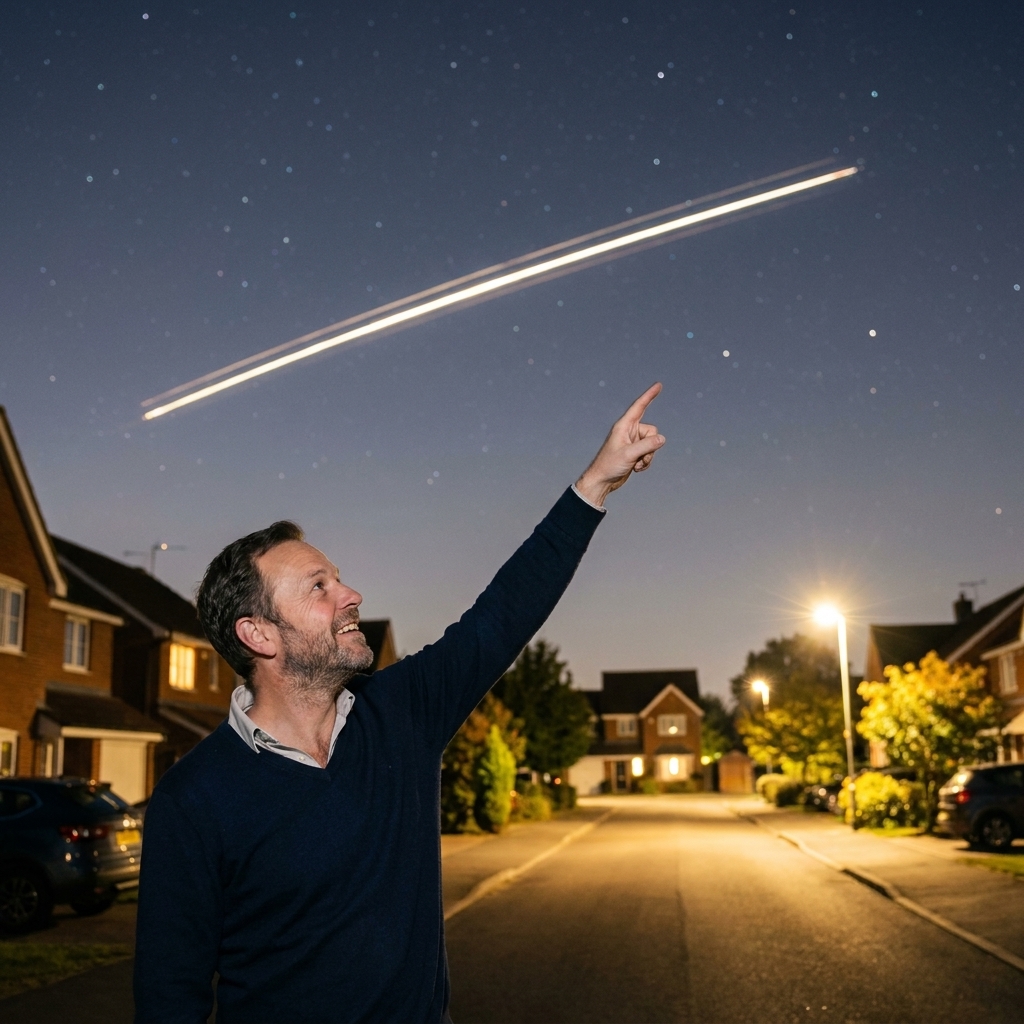
If you want to know when a bright “star” is about to glide across your backyard, Heavens-Above is the dependable friend who shows up with a timetable. About those famous Iridium flares: the original Iridium satellites produced frequent, predictable bright flares. With Iridium NEXT and other modern fleets, that specific phenomenon is far less common and less predictable because the spacecraft design and reflectivity behavior changed.
- Free status (2024): generally free to use.
- Highlights: excellent satellite predictions, practical pass details, observer-focused tools.
- Good to know: the interface is utilitarian, but the accuracy is the point.
8) ISS Detector (free tier)
Best for: quick alerts when the ISS is visible.
Use it when: you want notifications so you can step outside at the right minute.
ISS Detector is built around one joyful moment: stepping outside right on time and watching a human-made spacecraft sail overhead.
- Free status (2024): free version typically focuses on the ISS; add-ons may unlock more satellites and objects.
- Highlights: notifications, simple visibility predictions, great for spontaneous viewing.
- Good to know: some users eventually want paid add-ons for broader tracking.
9) MeteorActive (International Meteor Organization)
Best for: meteor shower timing, radiant positions, and activity forecasts.
Use it when: you are planning a meteor night and want to know peak timing and where to look.
Meteor showers are one of the most beginner-friendly sky events, no telescope required. MeteorActive focuses on when showers peak, where the radiant sits, and what kind of activity to expect.
- Free status (2024): free to use.
- Highlights: shower calendars, radiant info, forecast support.
- Good to know: pair it with a general sky map app for in-the-moment navigation.
10) NASA App
Best for: space context, missions, and what is happening in space right now.
Use it when: you want the story behind what you are seeing, not just a label.
The NASA App is not a pure sky map, and it will not replace a planetarium app for real-time pointing and identification. It earns a spot because stargazing is not just navigation, it is context. When you are out looking at Jupiter, it is fun to also dig into current missions, new imagery, and what astronomers are learning.
- Free status (2024): free.
- Highlights: mission updates, astronomy media, educational depth.
- Good to know: pair it with a sky map app for object-by-object navigation.
Best paid upgrade
SkySafari
Best for: telescope workflows and deep observing details when you are ready to level up.
I am calling this out separately because it does not reliably belong in a free-app list. SkySafari is beloved by telescope owners because it blends a sky atlas with observing info, and it can become the “home base” app once you start planning sessions and building target lists.
- Cost note (2024): SkySafari is usually paid. A true free edition is not reliably available, although occasional promotions or bundles pop up.
- Why people pay for it: robust catalog, observing notes, strong planning tools (in paid editions).
Get better results
Bring a few basics
- Warm layers: you will stand still more than you think.
- A red light: a red flashlight or red screen mode helps protect night vision.
- Patience: give your eyes time to adjust before you decide “there is nothing to see.”
- A darker spot: one streetlight can erase half the sky.
Calibrate once, then trust it
If labels seem offset from the sky, your phone’s compass is usually the culprit. Calibrate away from cars, metal railings, and big speakers. If your app offers an alignment step, often by matching a bright star or planet, do it once and you are usually set.
Use the Moon as an anchor
The Moon is the easiest reference point in the sky. Once you identify it, hop outward: what bright planet is near it, which constellation sits behind it tonight, and what is rising in the east.
Save your night vision
Dark adaptation is real biology. Most people notice a big improvement after about 15 to 30 minutes in the dark, and full adaptation can take longer. Use night mode or a red filter if your app has one, and keep your screen dim.
Reality-check moving lights
If a light moves steadily and does not show obvious navigation lights, it is often a satellite or the ISS. Planes can fool you at a distance, and satellites can change brightness. Starlink “trains,” tumbling satellites, and high-altitude aircraft can also confuse the usual rules, so confirm with Heavens-Above or ISS Detector when you are unsure.
Quick picks
- Brand new to stargazing: Sky Map (Android), Star Walk 2 (iOS/Android)
- Most planetarium-like: Stellarium (if free in your store), or Star Chart (free tier)
- Best for satellites and ISS passes: Heavens-Above, ISS Detector
- Best for meteor planning: MeteorActive
- Best iPhone AR polish: Night Sky, Sky Guide
FAQ
Are free stargazing apps accurate?
They can be very accurate for bright objects and major constellations, especially after compass calibration. If an app seems wrong, the issue is often phone sensors, magnetic interference, or a need to align the view.
Do I need cell service?
Usually, no. Many apps work offline after installation because star catalogs live on your device. You may need internet for downloads, ads, or extra content, and satellite predictions update more reliably when connected.
Which app is best with a telescope?
Look for strong search, large catalogs, and observing tools. SkySafari is a favorite for telescope workflows, but it is usually paid. If you are staying free, start with a solid sky map for orientation, then add a dedicated planning tool later.
Do these apps track my location?
Most of them use location to calculate what is above your horizon. If you care about privacy, check the app’s permissions and settings. Many apps still work if you manually set a location or keep permissions limited, but predictions may be less convenient.
A final teacher tip
When I taught high school physics, I watched students go from “I do not get it” to “Ohhh!” in a single moment. Stargazing is like that. At first it is random dots. Then one night you recognize Orion, and suddenly the sky feels like a neighborhood you have been to before.
Pick one app from the list, learn just three constellations, and come back tomorrow. The universe is patient. You can be, too.