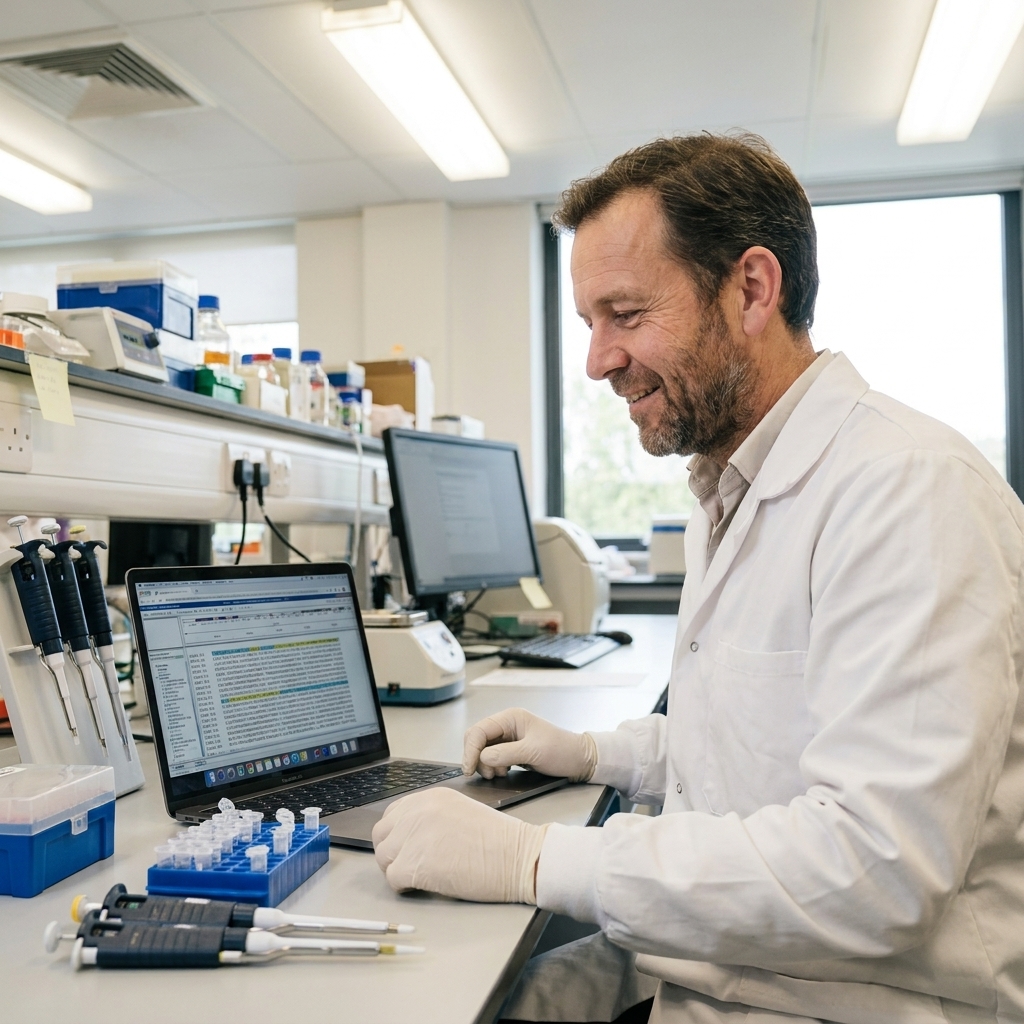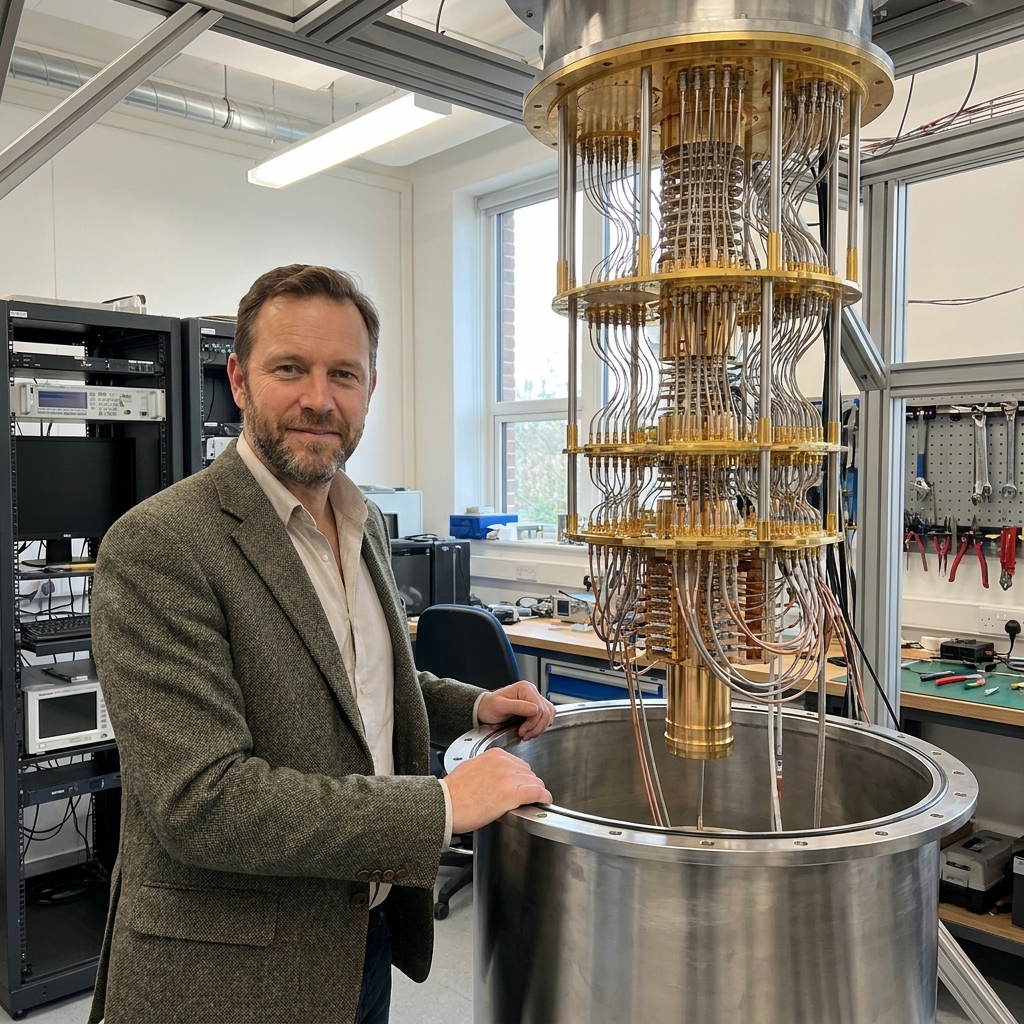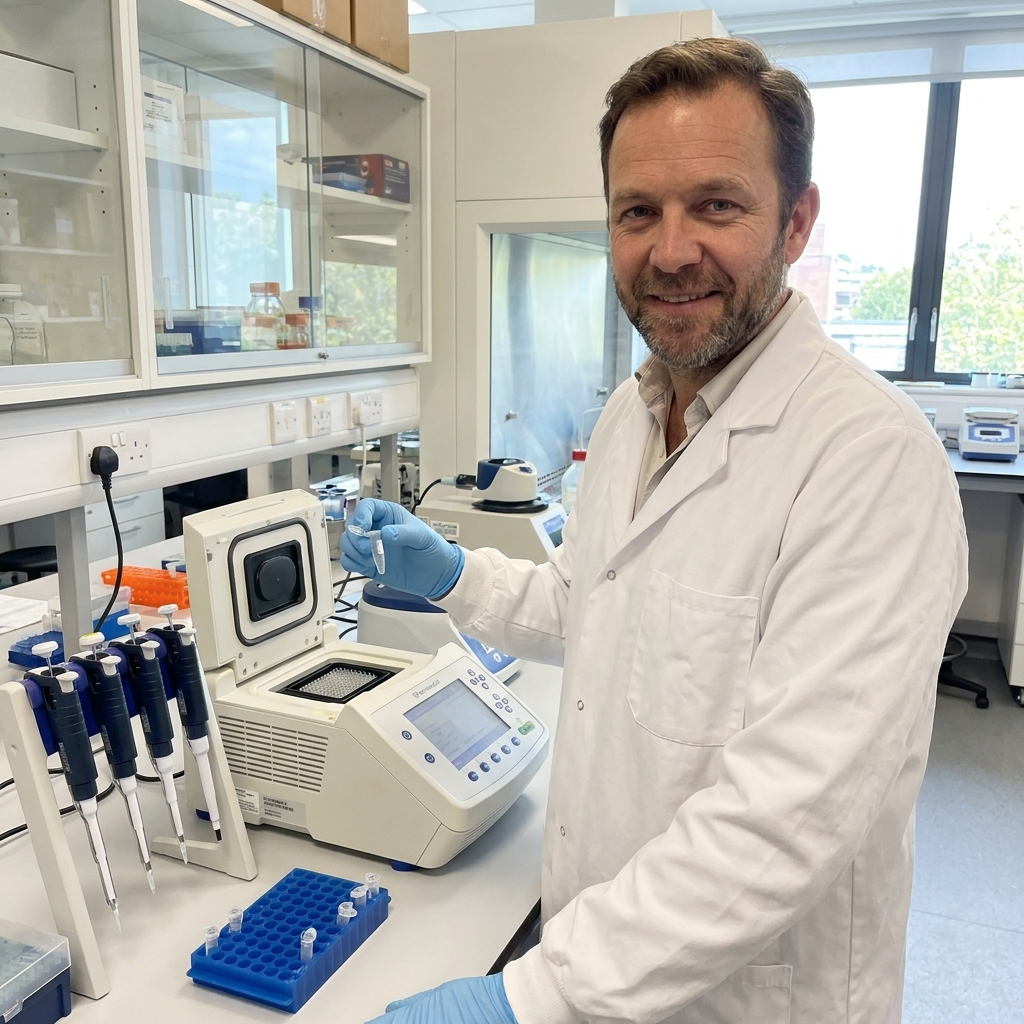
In my old classroom, the fastest way to spark an “aha” moment was to hand students the right tool at the right time. A motion sensor turns a fuzzy idea like velocity into something you can see. AI is doing something similar in research right now. Not by replacing scientists, but by taking the parts of science that are painfully slow or overwhelmingly complex and giving us a better lever.
Below are seven AI tools that research teams are using in 2024 to move faster, from predicting protein structures to triaging microscopy images to automating the rhythms of a modern lab. Think of this as a practical tour: what each tool is good at, where it fits in a workflow, and what to watch out for so you do not accidentally build a very confident mistake machine.
1) AlphaFold 3 and the AlphaFold ecosystem
Best for: Predicting biomolecular structure and interactions.
If you have ever tried to understand a protein by reading its amino acid sequence, you know it feels like trying to guess a folded origami crane from a flat sheet of paper. AlphaFold changed that by making structure prediction far more accessible to many researchers. In 2024, the conversation has expanded beyond “protein shape” toward interactions: how proteins bind DNA, RNA, small molecules, and each other.
How researchers use it
- Hypothesis generation: Spotting likely binding pockets or interaction surfaces to guide wet-lab experiments.
- Variant interpretation: Checking whether a mutation might destabilize a fold or disrupt an interface.
- Screening ideas faster: Narrowing down which constructs are most promising before spending weeks cloning.
What to watch for
Predictions can be extremely useful and still be wrong in subtle ways, especially for flexible regions, multi-protein complexes, or cases where the biological context matters (membranes, cofactors, post-translational modifications). Treat outputs as testable models, not ground truth, and validate with experiments or orthogonal computation when decisions are high stakes.
2) RoseTTAFold and RFdiffusion
Best for: Protein design, not just protein prediction.
If AlphaFold is like a map that tells you what a landscape looks like, protein design tools are like a machine that helps you propose new landscapes. RoseTTAFold is best known for structure prediction, while RFdiffusion is a diffusion-based approach for generative design that can propose new protein backbones and shapes (often used alongside prediction to sanity-check candidates).
How researchers use it
- Designing binders: Creating proteins that could latch onto a target, like a viral protein or a cancer marker.
- Building scaffolds: Proposing stable frameworks to display an active site or epitope.
- Exploring “what if” space: Rapidly generating candidate structures that would be hard to imagine by hand.
What to watch for
Designed proteins can look gorgeous in silico and still fail in expression, folding, or stability in the real world. Successful teams pair design with tight experimental loops and robust screening, because biology has a way of grading your homework in red ink.
3) Schrödinger (computational chemistry platform)
Best for: Drug discovery workflows that blend physics simulations and machine learning.
Not all AI in science is a single magic model. Some of the most productive setups stitch together multiple methods: quantum chemistry, molecular dynamics, docking, property prediction, and increasingly ML models that speed up or improve pieces of the pipeline. Schrödinger is a widely used example in computational chemistry and drug discovery, but it is better thought of as a company and platform with multiple products and modules, not one monolithic tool.
How researchers use it
- Virtual screening: Prioritizing which molecules are worth synthesizing.
- Lead optimization: Predicting how small chemical tweaks might affect potency, selectivity, or solubility.
- Mechanistic insight: Modeling how a ligand sits in a binding pocket and what interactions matter most.
What to watch for
Models depend on assumptions, parameters, and the quality of input structures. AI can speed up scoring, but it cannot rescue a workflow built on a faulty protein conformation or an unrealistic chemical space. Keep an audit trail you can actually follow later. For example, record which structure you started from, which protonation state rules you used, the docking settings, and the exact software version so the team can reproduce the same result next month, not just admire it today.
4) Benchling (AI-assisted R&D for biology)
Best for: Organizing experiments, sequences, samples, and results, with AI assistance layered on top.
Benchling is not “an AI model” in the way AlphaFold is. It is a platform that helps biology teams run modern R&D without drowning in spreadsheets, ambiguous sample names, and lost context. In 2024, the AI value is often about finding and connecting information: surfacing relevant prior experiments, helping draft protocols, and making lab knowledge more searchable.
How researchers use it
- Sequence work: Designing primers, tracking plasmids, and managing constructs.
- Experiment traceability: Linking samples to protocols, results, and versions.
- Team memory: Reducing the “tribal knowledge” problem when students graduate or teams change.
What to watch for
AI features are only as helpful as your underlying data hygiene. If metadata is missing or naming conventions are chaotic, the smartest assistant will still hand you confusing answers. The unglamorous win is standardization.
5) SciFinder-n and CAS tools
Best for: Searching chemical literature, reactions, and substances with smart retrieval.
One of the most underrated time sinks in science is not the pipetting. It is the “did someone already do this in 1998 and publish it in a journal I have never heard of?” problem. Chemical discovery is especially dense with prior art, synonyms, and structure-based searching. CAS tools like SciFinder-n help researchers navigate that landscape faster, increasingly using AI to improve retrieval, relevance, and linking between substances, reactions, and documents.
How researchers use it
- Reaction planning: Finding precedent for synthetic routes and conditions.
- Substance intelligence: Tracking properties, identifiers, and known uses.
- Competitive awareness: Understanding what is known and what is truly novel.
What to watch for
Search is a scientific instrument. You can use it carefully, or you can wave it around. Always sanity-check: alternate names, stereochemistry, salts, hydrates, and closely related scaffolds can hide relevant results if you search too narrowly.
6) CellProfiler plus ML and deep learning
Best for: Turning microscopy and high-content imaging into quantitative data.
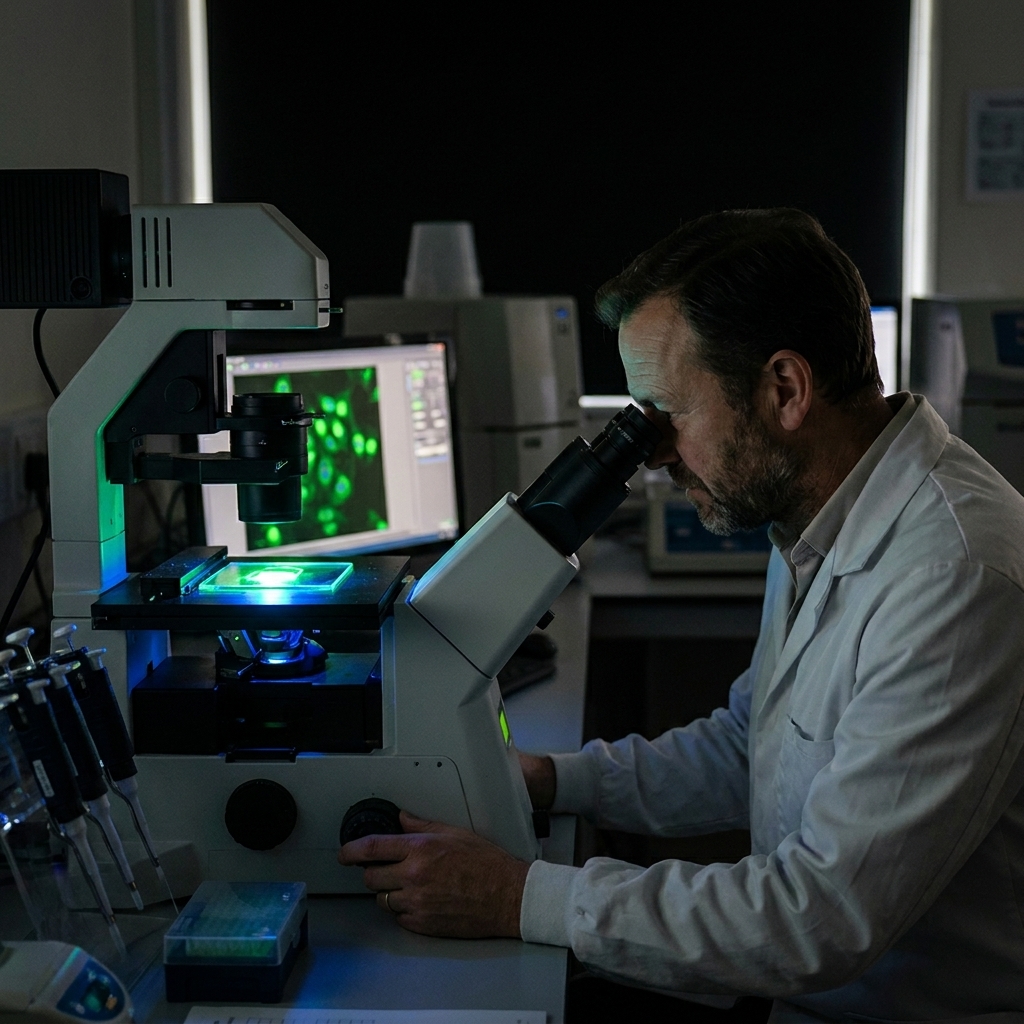
Microscopy images are gorgeous, but science needs numbers. Where you once had to manually count cells or eyeball phenotypes, modern pipelines can segment, classify, and quantify at scale. CellProfiler remains a workhorse for classical image analysis pipelines, and many labs extend it with machine learning and deep learning tools when segmentation gets messy or phenotypes get subtle (for example: CellProfiler Analyst, ilastik, or Python-based deep learning stacks).
How researchers use it
- Cell segmentation: Separating nuclei, cytoplasm, organelles, or colonies.
- Phenotype classification: Grouping cells by morphology changes after a drug treatment.
- Quality control: Flagging out-of-focus images or artifacts before they pollute analyses.
What to watch for
Image models can pick up “shortcuts” you did not intend, like differences in illumination, plate edge effects, or batch artifacts. The fix is boring but effective: randomized experimental design, careful controls, and validation on held-out batches from different days and instruments.
7) Lab automation and LLM copilots
Best for: Automating routine steps and helping scientists write, code, and reason faster.
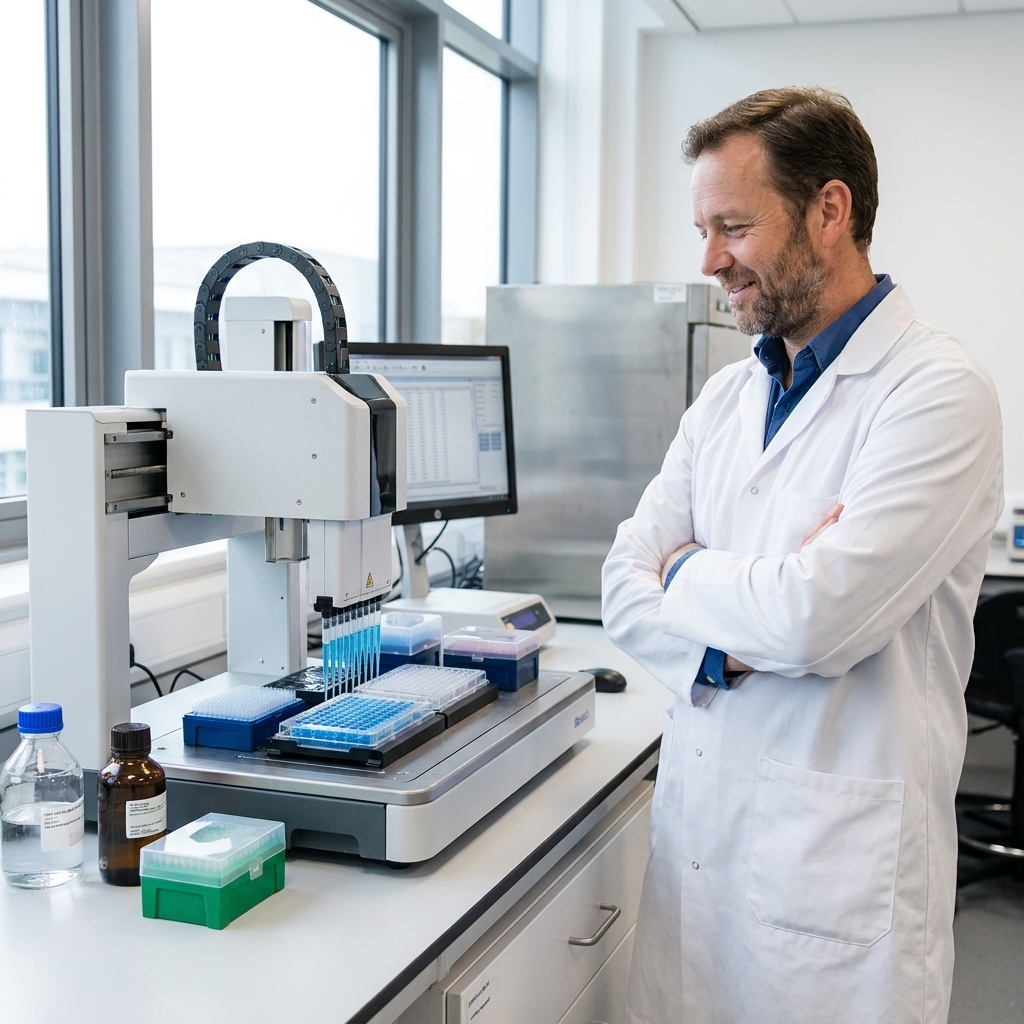
A lot of “AI in the lab” in 2024 is not one branded tool. It is the combination of automation hardware (liquid handlers, plate readers, scheduling software) with platforms that standardize how experiments are designed and executed. Tools like Synthace, and comparable approaches such as Emerald Cloud Lab or Opentrons-based stacks, help teams run repeatable automated workflows so results are easier to reproduce and iterate on.
Then there are LLM copilots: assistants that help draft protocols, summarize papers, generate starter analysis code, and troubleshoot scripts. They can be surprisingly effective, especially when paired with your lab’s SOPs, documentation, and data schemas.
How researchers use it
- Protocol drafting: Converting a rough plan into a step-by-step procedure that can be reviewed.
- Data wrangling: Generating starter code for cleaning datasets or plotting results.
- Literature triage: Summarizing papers and extracting key methods, with human verification.
- Automation scripting: Helping translate an experimental plan into instrument instructions.
What to watch for
LLMs can hallucinate, and when they do, they sound confident. They also do not inherently understand your instrument constraints, safety requirements, or what counts as acceptable evidence. Use them like a keen intern: helpful, fast, and absolutely in need of supervision. For anything that touches patient data, proprietary sequences, or sensitive IP, confirm your organization’s policies, use approved deployments, and be explicit about what can and cannot be pasted into a chat box.
How to choose the right tool
When people ask me, “Which AI tool should we adopt?”, I usually answer with three questions that sound boring but save months of frustration.
- What bottleneck hurts the most? Structure prediction, literature search, image analysis, scheduling, data cleaning, or protocol consistency all benefit from different tools.
- What will you validate against? Pick a few “known answer” test cases from your own work. If a tool cannot reproduce what you already trust, it is not ready to guide what you do not know.
- Who owns the workflow? The best deployments have a clear human owner: someone responsible for documentation, versioning, permissions, and training new users.
Also, it is fine if your highest-impact AI use case is not on this list. Genomics and single-cell analysis, for example, are huge areas for ML-driven clustering, annotation, and batch correction. The right move is not to chase a trendy tool. It is to instrument the bottleneck you actually have.
AI is not a single upgrade you install. It is a new lab habit. The teams seeing the biggest gains are the ones treating it like any other instrument: calibrated, validated, and used with good experimental judgment.
FAQ
Are these tools only for big, well-funded labs?
No. Some platforms are enterprise-leaning, but many labs start with open tools, academic access, or targeted use cases. The bigger divider is not budget. It is whether your data and workflows are organized enough to plug an AI tool in without chaos.
Will AI replace bench work?
In most research areas, AI is shifting what humans spend time on. It is great at pattern-finding and generating candidates. Reality checks still happen at the bench, in the instrument room, and in carefully designed validation studies.
What is the most common failure mode?
Using AI outputs as conclusions instead of clues. The second most common is data leakage or batch effects, where a model looks brilliant until you run it on truly new samples.
What about data privacy and compliance?
Assume anything you paste into an unapproved tool may be stored, logged, or used in ways you did not intend. De-identify patient data, follow your IRB and security guidance, and use enterprise or self-hosted options when you are working with sensitive datasets or valuable IP. If you cannot explain your data handling to a cautious colleague, tighten it up before you scale.